
Last updated: October 25, 2026
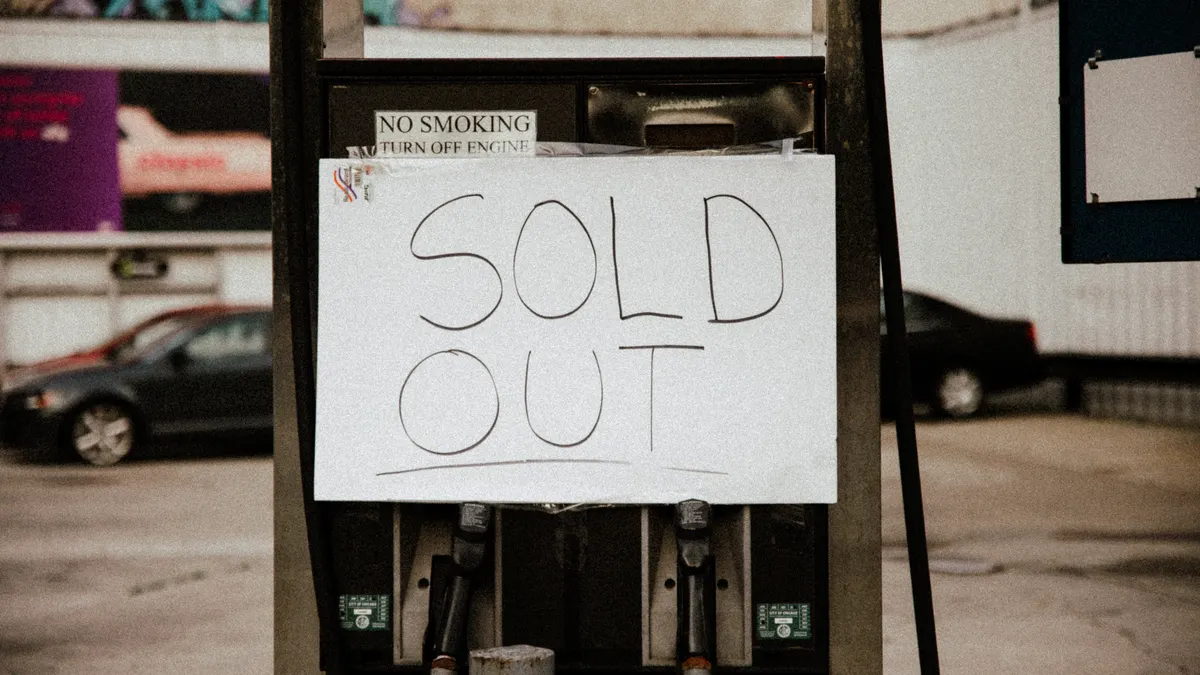
Quick answer: in most cases, keep the product URL live, keep the page indexed, and update availability signals instead of deleting the page. For How to handle out-of-stock products in Bing, that is usually the safest default when the item may return, while a permanent discontinuation calls for a more careful redirect decision.
Out-of-stock product pages in Bing should usually stay live, keep their product details, and clearly show that the item is unavailable. That lets Bing and shoppers see the page as a product page, not a broken dead end, while you decide whether to wait, replace, or redirect. This guide on How to handle out-of-stock products in Bing focuses on keeping the URL, page content, structured data, and merchant feed aligned. This is information, not financial advice; for your own catalog and market, a qualified adviser or technical SEO specialist should review the choice.
Who this applies to, and what I am assuming
This applies to an ecommerce page that still has a real product behind it, but the inventory is gone for now or may come back. It assumes the page already exists, the product has a stable URL, and you can change on-page content, structured data, and merchant feed status. I am not covering index-removal workflows, blocked URLs, or broader Bing indexing troubleshooting here.
If the item is temporarily unavailable, a common default is to keep the URL active, preserve the product page, and update availability signals instead of deleting the page. If the item is permanently discontinued, the decision becomes different: the page may need to point to a replacement product, category, or another relevant destination. That is a content and URL decision, not just an inventory one.
This matters because Bing can still surface product pages when stock changes. The search engine is trying to match product availability with search intent, so a page that says “out of stock” but still explains the item often does better than a thin page that disappears. The wrong move is to treat every stockout the same, so consult a technical SEO professional when the product lifecycle is unclear. A 2-day replenishment and a discontinued SKU are not the same situation.
The approach below assumes the reader can edit the page template, product structured data, and merchant feed. For broader ecommerce search planning, this fits into a larger Bing e-commerce search optimization plan. If your catalog is managed by a platform with fixed templates, the exact fields may differ, but the logic does not.
How do I handle an out-of-stock product page in Bing?
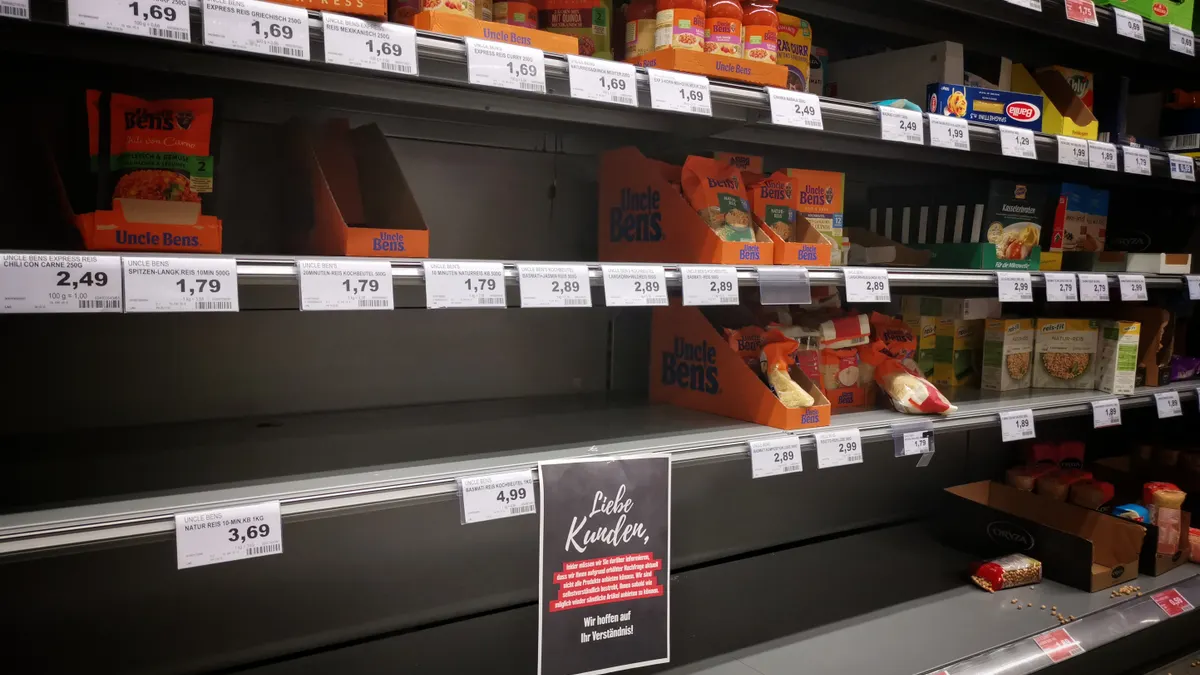
You handle it by keeping the product page useful, aligning the availability signals, and only redirecting when the product is truly gone. Start with the page, then the markup, then the feed, then the redirect decision.
- Confirm whether the stockout is temporary or permanent. Check the inventory source of truth first: ERP, OMS, or catalog system. You need a clear status such as backordered, temporarily unavailable, or discontinued. Verify the page should still represent the same item for at least the next 7–14 days; if not, the problem may be a product lifecycle issue, not an availability issue. A problem sign is mixed signals between the warehouse system and the product page.
- Keep the URL live if the item may return. Leave the page accessible with a normal 200 status code rather than creating a dead end. Verify Bing can still crawl the URL and the page loads without a soft-404 pattern, such as a “not found” message on a generic template. A problem sign is a page that looks like a search result stub with no product data, no price context, and no product imagery.
- Update the visible availability message. Show the current product availability plainly near the price or add-to-cart area, such as “Out of stock” or “Temporarily unavailable.” Keep the product title, description, images, and key attributes in place. Verify a shopper can understand what changed in under 5 seconds. A problem sign is burying the status below the fold or replacing the product content with unrelated promotion copy.
- Align structured data with the page state. In Product schema, use the availability property to reflect the real state, such as `OutOfStock` or `PreOrder` when that is actually accurate. If you use schema.org markup, make sure the structured data matches the visible text. Verify that Bing sees one consistent availability signal. A problem sign is markup that says “InStock” while the page says “out of stock,” because that creates trust and parsing problems.
- Update the merchant feed status at the same time. If you submit a merchant feed, mark the item unavailable there too. Feed status should not lag behind the page by days. Verify the feed and the landing page agree on availability and price. A problem sign is the feed still advertising a purchasable item after the page has been disabled or hidden, which can produce poor user experiences and disapproval risk in shopping surfaces.
- Decide whether a replacement product belongs on the page. If the exact SKU will not return soon, add a nearby alternative only when it is genuinely close in function, size, or use. Verify that the replacement is not a bait-and-switch. A problem sign is redirecting or substituting a different model, color, or spec that would not satisfy the original searcher.
- Choose redirect behavior only for permanent discontinuation. If the product is gone for good, use a relevant 301 redirect to the closest replacement, parent category, or a canonical successor page. Verify that the destination is a strong topical match, not just the easiest one. A problem sign is sending every discontinued SKU to the homepage, which usually strips relevance and frustrates users.
- Check the page from Bing’s point of view after the change. Revisit the URL in Bing Webmaster Tools, inspect the rendered page if available, and confirm the current title, copy, markup, and feed state line up. Verify that the page still looks like a product page with a clear availability state. A problem sign is an old cached snippet, stale availability text, or conflicting metadata that still says the item is purchasable.
The practical rule is simple: keep a live product page for temporary unavailability, and use a redirect only when the product itself no longer exists. That distinction does most of the work.
What should a Bing product page do when inventory is gone?
A Bing product page should stay informative, not deceptive, when inventory is gone. The page should still help the shopper decide whether to wait, save, or switch.
Keep the page title, product name, image set, and descriptive copy intact. Remove only the active purchase promise if that promise is no longer true. If you have a waitlist, back-in-stock message, or “notify me” option, place it where the add-to-cart control used to be so the page still has a clear next action. A 1-line stock message hidden at the bottom is too weak.
The page should answer four things immediately: what the product is, whether it is available, whether it is coming back, and what the nearest substitute is if any exists. That is especially important for pages with strong brand or model intent, where users may return later. The better the page explains temporary unavailability, the more likely it is to remain useful in Bing’s results.
Do not strip the page down to bare text just because stock is gone. That often creates a thin page that serves nobody. Keep size, color, fit, compatibility, material, or model details if they still matter for comparison. If the item is seasonal or limited-run, note that fact plainly. If the product will never return, the page should say so without pretending to sell it.
For merchant feeds, the key is consistency. The feed should mirror the on-page status and the landing page should mirror the feed. That alignment matters because Bing uses more than one signal to understand product availability. When those signals diverge, the page becomes harder to trust and harder to surface correctly.
Before you change the URL, check these signals
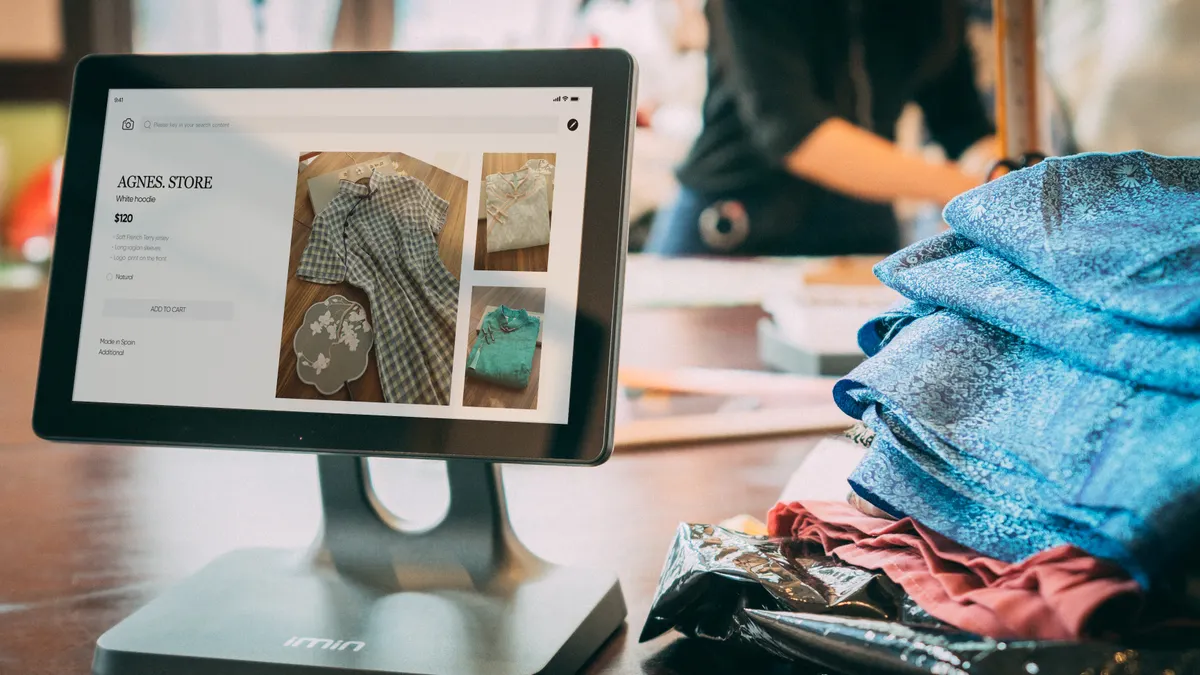
You should check the page state, structured data, feed status, and replacement logic before changing the URL. Those four pieces decide whether Bing sees a temporary stockout or a retired product.
Start with the visible page. Does it still load as a product page with a 200 status code, or has it been swapped for a generic category, “not found,” or promotional wrapper? Then check the markup for availability, price, priceCurrency, and product identity fields such as name and SKU if your template exposes them. A page can look fine to humans and still send conflicting signals in code.
Next, review the merchant feed. If your feed still says the item is active, Bing may continue to treat it as current inventory even when the page says otherwise. That does not mean the page must vanish; it means the status needs alignment. The same is true in reverse: if the feed says unavailable but the page claims in stock, the mismatch is the problem. Bing Webmaster Tools can help you confirm what Bing is currently seeing.
Then check whether a canonical tag is present and correct. A canonical tag tells crawlers which URL is the preferred version of a page. It should not be used to hide a real product page or point stockout variants to unrelated pages unless the content truly duplicates another canonical product page. For duplicate-content questions, follow Google Search Central’s guidance on canonicalization and consult a technical SEO specialist if the setup is unusual. A wrong canonical choice can blur product identity instead of clarifying it.
Finally, decide whether a redirect is justified. If the product is coming back, a redirect usually destroys useful relevance. If the product is permanently retired, a direct path to a successor product or parent category can make sense. That is a judgment call, not a reflex. A 301 redirect to a close substitute can be helpful; a redirect to a broad homepage usually is not. Microsoft’s Bing Webmaster Guidelines and Google Search Central both support keeping crawlable, relevant destination pages for users.
When not to use the standard approach
The standard approach does not fit every stockout, and using it in the wrong case creates bad search and shopping behavior.
The product will be restocked in a short, known window: The page should stay live and clearly marked unavailable — do not redirect, because the URL still represents the same item and a redirect can interrupt return traffic.
The item is permanently discontinued with no direct successor: The page should stop pretending to be a live offer — use a relevant category or curated alternative path instead of keeping purchase language on the page.
The page has been repurposed into a different product: The old URL now points to a new identity — use careful redirect mapping, because leaving the old product copy in place would confuse both Bing and shoppers.
The merchant feed and the landing page cannot be kept in sync today: The signals are unreliable — pause changes that would make the mismatch worse and fix the source of truth first.
The page is ranking because of the product brand, model, or part number, and users still expect that exact item: A broad redirect will likely harm relevance — keep the product page intact until a true lifecycle decision is made.
The replacement product is only loosely related: The substitution may feel like a bait-and-switch — do not force a replacement onto the page unless the comparison is genuinely useful to the shopper.
If the catalog rules, inventory rules, and web rules are all pulling in different directions, that is the point to slow down. A rushed redirect is harder to undo than a clear out-of-stock notice.
The mistakes people make with out-of-stock pages
The most common mistakes are blunt edits that solve the inventory problem while creating a search problem.
-
Turning the page into a 404 or soft-404. This makes the product disappear from a useful URL and can waste relevance. The better alternative is a live page with a visible unavailable state when the stockout is temporary.
-
Leaving “in stock” markup on an unavailable item. This conflicts with the page and the feed, and it can mislead both crawlers and shoppers. The better alternative is to update schema.org Product availability so it matches the actual status.
-
Redirecting every stockout to the homepage. That destroys product-specific intent. The better alternative is a close replacement, a parent category, or no redirect at all if the stockout is temporary.
-
Removing the whole product description because inventory is gone. That turns a useful page into a blank shell. The better alternative is to keep specifications, images, and context that still help the shopper compare.
-
Ignoring merchant feed status. The page and feed then tell different stories, which complicates how Bing understands the offer. The better alternative is to update both together, even if the feed management takes an extra cycle.
-
Using a canonical tag to paper over a lifecycle problem. Canonicals are for duplicate or near-duplicate content, not for hiding a retired product. The better alternative is to choose the correct destination by product lifecycle, then use canonical tags only where they fit, and consult a technical SEO specialist if you are unsure.
Each of these mistakes costs clarity first. That is the real cost: the page becomes harder for Bing to interpret and harder for a shopper to trust.
How to tell whether the change worked
A good result looks like a product page that still ranks or is still eligible to rank for the right query, while accurately showing current availability. The URL remains stable when the item is temporary unavailable, and the page no longer promises a purchase it cannot fulfill.
Watch for four signs. First, the page title and visible content still describe the original item. Second, the availability text matches the feed and the structured data. Third, the destination behavior fits the lifecycle: no redirect for a temporary stockout, a relevant redirect for a permanent discontinuation. Fourth, Bing continues to recognize the page as a product page rather than a generic placeholder.
If the page still attracts clicks, that is not automatically bad. A stockout page can still serve comparison intent, brand intent, or return visits. The problem starts when the page wastes those clicks by hiding the status or sending people to an unrelated destination.
The right result is not “rank at any cost.” The right result is a page that tells the truth, keeps its product relevance, and gives Bing enough consistent signals to understand what changed. That is the part most generic advice leaves out.
Key takeaways
- Keep a temporary stockout page live if the product may return soon.
- Make the visible message, structured data, and merchant feed say the same thing.
- Use redirects only when the product is permanently gone and the destination is genuinely relevant.
- Keep useful product content on the page so it still helps shoppers compare.
- Treat canonical tags as a duplicate-content tool, not a stockout fix.
Should out-of-stock products stay indexed in Bing
Yes, if the product is only temporarily unavailable and the page still serves a real product purpose. The page can remain indexed so Bing can continue to understand the product, its relevance, and the inventory status changes over time.
Drafted with AI; not yet reviewed by a person.